Websites for Plumbers, Electricians and Builders: How to Win Local Jobs
How plumbers, electricians, builders and other trades can use a simple website to win more local jobs: service pages, areas covered, reviews, quotes and Google.
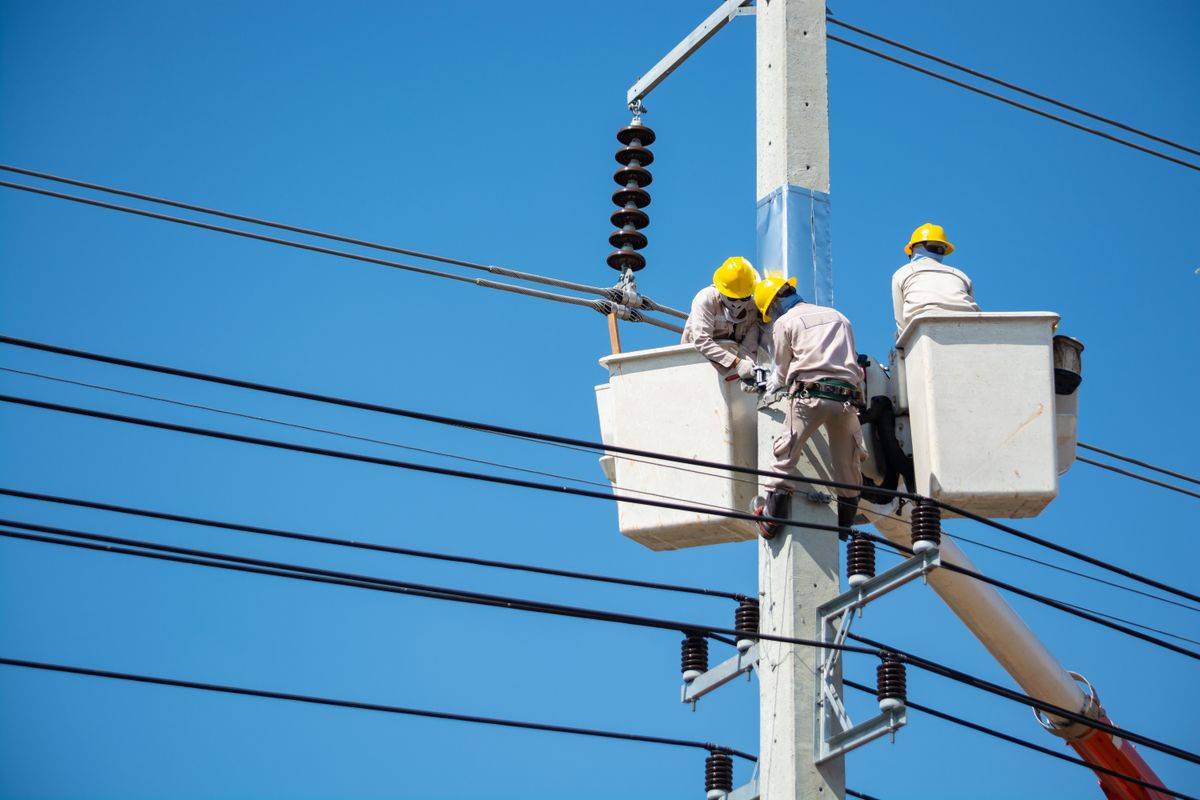
Most tradespeople get their best work from word of mouth. But even a personal recommendation usually ends with the same step: the customer searches your name, or searches "emergency plumber near me" and compares you with two others. What they find in that moment decides whether your phone rings.
This guide is for plumbers, electricians, builders, roofers, gas engineers, decorators, carpenters, landscapers, locksmiths and every other trade. It covers what a trade website needs to win local jobs, how to show up on Google in the areas you cover, and the mistakes that typically cost calls.
What customers need to see before they call a tradesperson
Hiring a trade feels risky. People are letting a stranger into their home, often with an urgent problem and an unknown bill. Your website's job is to reduce that worry quickly. Before they call, customers typically want to know:
- Do you do the job I need?
- Do you cover my area?
- Can you come soon, and do you do emergencies?
- Are you qualified, registered and insured?
- What do other customers say about you?
- Roughly what will it cost, or how do I get a quote?
- How do I contact you right now?
The pages a trade website needs
Homepage
Your homepage should say in one line what you do and where: "Gas Safe registered plumber and heating engineer covering Leeds and surrounding areas." Under that, a big tap to call button, a WhatsApp button and a quote request button. Then your top services, a few reviews, your credentials and the areas you cover.
Individual service pages
This is where most trade sites fall short. One page that lists "plumbing, heating, bathrooms" will not rank for much. Separate pages for each main service give Google and customers far more to work with. For example:
- Plumber: boiler repair, boiler installation, leak repair, blocked drains, bathroom fitting, emergency plumbing.
- Electrician: rewiring, consumer unit upgrades, EV charger installation, electrical safety certificates, lighting, fault finding.
- Builder: extensions, loft conversions, kitchen fitting, renovations, brickwork, garden walls.
Each service page should explain what the job involves, the typical signs a customer needs it, how you approach it, roughly how long it takes, any price guidance you are comfortable giving, photos of similar jobs, and a clear call to action.
Areas covered
List the towns, suburbs or postcodes you serve. If you cover a few key areas with lots of work, a short dedicated page for each one can help, as long as each page has genuinely useful local content: jobs you have done there, typical property types, response times. Avoid copying the same page and just swapping the town name. It rarely works and can look spammy.
Gallery or recent jobs
Before and after photos are hugely persuasive for trades. A finished bathroom, a tidy consumer unit, a new patio. Add a sentence on what the job was and the area. This shows real, local work and gives search engines useful text.
About and credentials
Show your face, your name and your story. Then list your proof: trade registrations, accreditations, insurance, guarantees, years trading. Use the schemes and bodies that apply in your country and trade, and show logos only for memberships you genuinely hold.
Contact and quote page
Keep the quote form short: name, phone, postcode, job type, a short description and an option to upload a photo. Photos of the problem often let you give a rough price without a visit, which saves you time.
Make it easy to contact you from a van
You are on a job most of the day. Your website should work around that.
- Put your phone number in the header, tap to call on mobile.
- Add a WhatsApp button. Many customers prefer to send a photo and a quick message, and you can reply between jobs.
- Have quote form submissions sent straight to your phone by email or text.
- Set an auto reply that says when you will get back to them.
- If you do emergency call outs, say so clearly, with your hours.
Getting found on Google in your area
For trades, the map results at the top of Google are the most valuable real estate. These come from Google Business Profiles, supported by your website.
Google Business Profile for trades
- Pick the most precise primary category: Plumber, Electrician, Roofing contractor, General contractor, Locksmith.
- If you work from home and visit customers, set yourself up as a service area business and hide your home address.
- Add your service areas, up to the limit Google allows.
- List your services with descriptions.
- Upload job photos regularly.
- Ask every happy customer for a review and reply to all of them.
See our step by step guide to optimising your Google Business Profile and how to get on Google Maps.
Website SEO for trades
- Use the trade and area in page titles: "Emergency Electrician in Croydon | 24 Hour Call Outs".
- Write proper service pages, as above.
- Keep your business name, address and phone identical everywhere online.
- Get listed in reputable trade directories and local directories.
- Make sure the site is fast and works perfectly on phones.
The full process is in our local SEO guide for small business.
Website, directory or job platform?
Many trades rely on lead platforms and directories. They can help, especially when starting out, but they are not a replacement for your own site.
| Channel | Pros | Cons |
|---|---|---|
| Your own website | You own it, leads are exclusive, builds long term | Takes a little time to rank |
| Lead and job platforms | Fast leads when starting out | Pay per lead or subscription, leads often shared with competitors |
| Trade directories | Trust signals and backlinks | Annual fees, less control |
| Social media only | Free, good for photos | Rarely ranks for "near me" searches |
The strongest approach is usually a solid website and Google profile as your base, with platforms as a top up rather than your only source of work.
Reviews: the deciding factor
Trades live and die by reviews. A customer choosing between two electricians will typically pick the one with more recent, detailed reviews.
- Ask at the end of every job, when the customer is pleased.
- Send a text with your direct Google review link that evening.
- Show reviews on your website, ideally near the relevant service.
- Reply to every review. For a bad one, stay calm, apologise where fair and offer to put it right.
Pricing on a trade website
You do not have to publish a full price list, but some guidance helps. Options include call out fees, starting prices ("boiler service from"), typical ranges for common jobs, or "free, no obligation quotes". Being upfront filters out time wasters and builds trust with serious customers.
Common trade website mistakes
- Phone number hard to find or not tap to call.
- One page listing every service with no detail.
- No areas covered.
- No photos of real jobs.
- Credentials missing or out of date.
- Stock photos of smiling models in clean overalls.
- An old site that is slow, insecure or broken on phones.
- A domain registered by a former web designer who will not hand it over.
That last one is more common than you might think. Always make sure your domain is registered in your name. Our guide on domain costs explains how ownership works.
Trade website checklist
- Clear one line description of trade and area
- Tap to call, WhatsApp and quote buttons
- Separate page for each main service
- Areas covered
- Before and after photos
- Credentials, insurance and guarantees
- Reviews on key pages
- Short quote form with photo upload
- Google Business Profile complete with service areas
Turning enquiries into booked jobs
A good website brings enquiries, but the way you respond decides how many become work. Customers with urgent problems often contact two or three trades at once and go with whoever replies first and sounds most professional.
- Reply to every enquiry the same day, even just to say when you can call back.
- Ask for photos and the postcode so you can judge the job and travel time quickly.
- Give a clear quote in writing, with what is included and what is not.
- Confirm the appointment by text and send a reminder the day before.
- After the job, send the invoice promptly with your review link.
Small habits like these typically lift the number of jobs you win from the same number of enquiries, and they generate the reviews that bring the next customers.
Getting a trade website without the hassle
You are busy on the tools, so the website should not become another job. If your current site is broken, slow or has been hacked, our Website Rescue service fixes it for $99, or $149 for a hacked site cleanup, with an optional care plan at $15 per month.
For a new site, many sole traders start on SiteDrum's Starter plan at $99 setup and $15 per month. Trades who want separate service and area pages usually choose the Business plan at $249 setup and $29 per month. Every plan includes a WhatsApp button and Google Business Profile setup, goes live in 7 days, has no long contract, and you own your domain. We build for trades in Manchester, London, Toronto, Sydney and many other cities. See pricing or book a free 15 minute call.
Frequently asked questions
Do tradespeople really need a website?
Most do. Even with word of mouth, customers usually search your name before calling. A website with services, areas, reviews and credentials turns those searches into calls.
Should I list my home address if I work from home?
No. On Google you can set yourself up as a service area business and hide your address, while listing the areas you cover on your website.
Are lead generation platforms worth it for trades?
They can help when starting out, but leads are often paid for and shared. Your own website and Google profile typically bring exclusive leads over the long term.
Should I publish prices as a tradesperson?
Some guidance helps, such as call out fees or starting prices for common jobs. You can still quote properly for larger work.
Want a website that brings you customers?
Tell us what you do on WhatsApp and we will send a fixed quote and a free mockup.
Get my free mockupWebsite design in London · Website design in New York · Website design in Sydney · Website design in Toronto · Website design in Dublin
More guides
- Website for Hair Salons and Barbers: What Actually Brings Bookings
- Restaurant Website Essentials: Menus, Bookings and Google in 2026
- Local SEO for Small Business: The Complete 2026 Guide
- How to Optimise Your Google Business Profile (and Get More Calls)
- Wix vs Squarespace vs a Web Designer: Which Is Right for Your Business?
- How to Fix a Hacked Website: Step by Step Recovery Guide
- Why Website Speed Matters (and How to Fix a Slow Site)
- How to Get More Google Reviews for Your Small Business
- Starting an Online Shop: Ecommerce Website Guide for Small Businesses
- How Much Does a Small Business Website Cost in 2026?
- Do I Need a Website If I Have Instagram?
- How to Get Your Business on Google Maps (Step by Step)
- WhatsApp or Website: Which Is Better for My Business?
- How Much Does a Domain Name Cost? A Plain-English Guide
- Free Website for My Business: Is It Worth It?
- What to Put on a Small Business Website: The Complete Checklist
- Why Is My Website Not Showing on Google? (And How to Fix It)