Website for Hair Salons and Barbers: What Actually Brings Bookings
What a hair salon or barber website really needs to turn local searches into bookings: online booking, prices, photos, reviews, Google and WhatsApp done right.
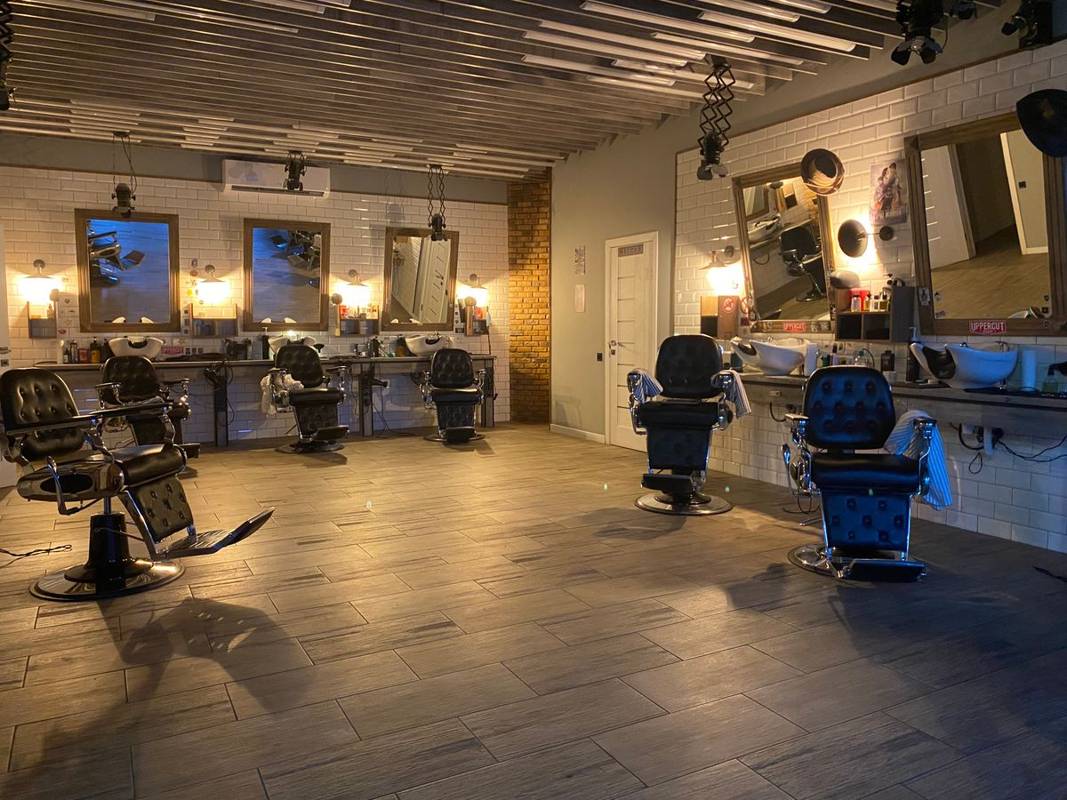
Most hair salons and barbershops do not lose bookings because their haircuts are bad. They lose them in the thirty seconds after someone searches "barber near me" or "balayage" on their phone, taps a result, and cannot quickly see the price, the next free slot or how to book. That person does not call to ask. They go back and tap the next shop.
This guide is about closing that gap. It covers what a salon or barber website actually needs, what it does not need, how it should work with Instagram, booking apps and Google, and the small details that typically decide whether a visitor books or leaves.
Why a salon still needs a website when it has Instagram and a booking app
Instagram is brilliant for showing your work, and booking apps like Fresha, Booksy, Square Appointments, Vagaro or Timely are brilliant for managing your diary. But neither of them is built to win you new local customers from Google.
- Instagram profiles rarely rank for searches like "mens fade Shoreditch" or "curly hair specialist Toronto". Your website can, because it can carry real, specific service and location content.
- Booking app marketplace pages put you next to every competitor in the area, often with their prices and offers shown right beside yours. Your own site keeps the customer focused on you.
- Platforms change the rules. Accounts get hacked, fees rise, and algorithms shift. A website on your own domain is the one asset you fully control.
The best setup is all three working together: Instagram for inspiration, the booking app for the diary, and the website as the hub that Google sends people to and that links everything up. If you are weighing this up, our post on whether you need a website if you have Instagram goes deeper.
The pages a salon or barber website actually needs
You do not need a huge site. You need a few pages that answer the questions every new client has before they book.
1. A homepage that answers "can I book here today?"
Above the fold on a phone, a visitor should see what you are (barber, ladies salon, unisex, Afro hair specialist, colour studio), where you are, and a big Book Now button. A second button for WhatsApp or call is useful for people who prefer to message. Opening hours, including late nights and Sundays, should be visible without scrolling far.
2. A services and prices page
This is often the most visited page on a salon site, and the one most salons get wrong. Customers want to know roughly what they will pay before they commit. List each service with a price or "from" price and a typical duration. Group them clearly:
- Cuts (mens, ladies, kids, skin fade, beard trim, hot towel shave)
- Colour (full head, roots, highlights, balayage, toner, colour correction by consultation)
- Treatments and styling (blow dry, keratin, braids, silk press, extensions)
- Packages and add ons
Write the prices as real text, not as a photo of your price board. Text can be read by Google, enlarged on a phone and updated in seconds. A price list image cannot.
3. A gallery that shows your actual work
Use your own photos, taken in good light, ideally showing before and after. Name the style in the caption ("textured crop with mid fade", "copper balayage on dark hair"), because those words help people and search engines understand what you do. Embedding your Instagram feed is fine as an extra, but keep a curated gallery of your best ten to twenty pieces on the site itself so it loads fast.
4. A team page
Many clients book a person, not a shop. Show each stylist or barber with a photo, their specialities, and a direct booking link if your booking app allows it. This is especially valuable for colour specialists and senior stylists who charge more.
5. Location and contact
Full address, a Google Map embed, nearest station or parking, and accessibility notes. Make the phone number tap to call and add a WhatsApp chat button so people can ask a quick question without calling.
Online booking: get this right and everything else gets easier
Online booking is the single feature that typically makes the biggest difference for salons and barbers. People book haircuts late at night, on the bus, and during their lunch break, when you are busy with a client and cannot answer the phone.
Booking setup checklist
- Choose one booking system and use it everywhere: website, Instagram, Google Business Profile and WhatsApp replies.
- Put a Book Now button in the header so it follows the visitor down the page.
- Link directly to the booking flow, not to a generic profile page with extra clicks.
- Set deposits or card holds for long or high value appointments such as colour and extensions, which often reduces no shows.
- Turn on automatic reminders by text or email.
- Connect the same booking link to your Google Business Profile so people can book straight from Maps.
- Test the full journey on your own phone every couple of months.
Walk ins versus appointments
Many barbers run walk ins, appointments, or a mix. Say clearly on the homepage which you do. If you take walk ins, show your walk in hours, and consider a live queue or a simple "call ahead" button. Confusion here costs bookings, because people do not want to turn up and wait an hour.
Booking options compared
| Option | Best for | Watch out for |
|---|---|---|
| Booking app link on your website | Most salons and barbers | Make sure the link goes to your page, not the marketplace search |
| Booking widget embedded on site | Salons wanting a seamless look | Can slow the page if the widget is heavy |
| WhatsApp or phone only | Small, busy single chair barbers | You miss people who want to book when you cannot reply |
| Contact form | Consultation only services like colour correction | Slow, so reply the same day |
Getting found on Google as a salon or barber
Most new salon clients start with a local search. Two things decide whether they find you: your Google Business Profile and your website. They work as a pair.
Your Google Business Profile
- Pick the most accurate primary category, such as Hair salon, Barber shop, Beauty salon or Hair extension technician, and add secondary categories that genuinely apply.
- Add your services with prices, matching your website.
- Upload fresh photos every month: the shop front, interior, team and recent work.
- Add the booking link so the Book button appears on your profile.
- Reply to every review, briefly and personally.
Our full guide to optimising your Google Business Profile walks through every setting, and how to get on Google Maps covers the basics if you are starting from scratch.
Your website
- Use your town or area in your page titles, for example "Barber in Camden | Skin Fades and Beard Trims".
- Create dedicated sections or pages for specialist services people search for: Afro hair, curly cuts, bridal hair, kids cuts, hair extensions.
- Keep your name, address and phone number exactly the same as on Google.
- Make sure the site loads fast on mobile, because slow, image heavy salon sites are common.
For the bigger picture, read our complete local SEO guide.
Reviews: your strongest selling point
People choosing a new hairdresser are nervous. A bad haircut lasts weeks. Reviews are how they reduce that risk, so make them easy to find and easy to leave.
- Ask happy clients in the chair, at the moment they are admiring the mirror.
- Send a short follow up message with a direct link to your Google review form.
- Show a handful of your best reviews on the homepage and the services page, with first names and the service they had.
- Never buy reviews or offer discounts in exchange for five stars. It breaks Google rules and can get reviews removed.
Common salon website mistakes
- Prices hidden or missing entirely.
- Book Now buried at the bottom of the page.
- A price list uploaded as a blurry photo.
- Stock photos of models instead of your own work.
- Opening hours that do not match Google.
- A site built years ago that looks broken on phones.
- No WhatsApp or tap to call option.
If your current site has some of these problems or has stopped working properly, it may be quicker to fix it than to start again. Our Website Rescue service is designed for exactly that.
What should a salon website cost?
Salon owners are often quoted wildly different prices. A simple, well built site with services, prices, gallery, team, booking links and Google setup does not need to be expensive. Our guide on what a small business website costs breaks down the options.
At SiteDrum, most salons and barbers fit our Business plan at $249 setup and $29 per month, which covers the extra pages for services, team and gallery. A single chair barber can start on the Starter plan at $99 setup and $15 per month. Both include a WhatsApp button and Google Business Profile setup, go live in 7 days, have no long contracts, and you own your domain. We build for salons everywhere, including London, New York, Toronto and Sydney. See all plans or book a free 15 minute call to talk it through.
Quick salon website checklist
- Book Now button in the header
- Services with prices and durations, as text
- Gallery of your own recent work
- Team page with specialities
- Address, map, parking and transport notes
- Tap to call and WhatsApp
- Reviews displayed on key pages
- Google Business Profile complete, with booking link
- Fast and easy to use on a phone
Frequently asked questions
Should I put prices on my salon website?
Yes. Clients typically want a rough idea of cost before booking. Show prices or from prices with durations, and note that some services like colour correction need a consultation.
Which booking app should my salon use?
Any reputable system such as Fresha, Booksy, Square Appointments, Vagaro or Timely can work. The key is to use one system everywhere and link straight to your own booking page.
Can I embed my Instagram feed instead of a gallery?
You can add it as an extra, but keep a curated gallery of your best work on the site itself. It loads faster and lets you name each style for search.
How do I get my barbershop to show up on Google Maps?
Create and verify a Google Business Profile, choose the right category, add services, photos and your booking link, and keep collecting reviews. Your website should match the same details.
Want a website that brings you customers?
Tell us what you do on WhatsApp and we will send a fixed quote and a free mockup.
Get my free mockupWebsite design in London · Website design in New York · Website design in Sydney · Website design in Toronto · Website design in Dublin
More guides
- Restaurant Website Essentials: Menus, Bookings and Google in 2026
- Websites for Plumbers, Electricians and Builders: How to Win Local Jobs
- Local SEO for Small Business: The Complete 2026 Guide
- How to Optimise Your Google Business Profile (and Get More Calls)
- Wix vs Squarespace vs a Web Designer: Which Is Right for Your Business?
- How to Fix a Hacked Website: Step by Step Recovery Guide
- Why Website Speed Matters (and How to Fix a Slow Site)
- How to Get More Google Reviews for Your Small Business
- Starting an Online Shop: Ecommerce Website Guide for Small Businesses
- How Much Does a Small Business Website Cost in 2026?
- Do I Need a Website If I Have Instagram?
- How to Get Your Business on Google Maps (Step by Step)
- WhatsApp or Website: Which Is Better for My Business?
- How Much Does a Domain Name Cost? A Plain-English Guide
- Free Website for My Business: Is It Worth It?
- What to Put on a Small Business Website: The Complete Checklist
- Why Is My Website Not Showing on Google? (And How to Fix It)